


How to take bookings
on Instagram
Turn followers into bookings
If your audience already follows you on Instagram, whether that's through your bio, your Stories, or your DMs, you can take bookings there with nothing more than your Bookable link.
There's no separate app or setup needed on the Instagram side, you paste the link the same way you'd share anything else.
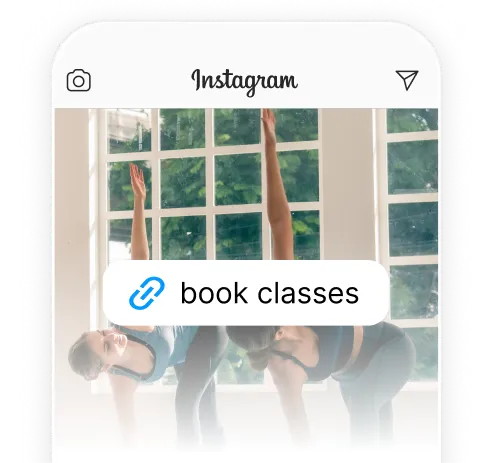
Do you already have an
audience on Instagram?
Then you can take bookings right there.
Create your event or schedule in Bookable, then add that link to your bio or share it in a Story.
Add your booking link to your Instagram bio
Instagram now lets every account add up to five clickable links in the bio, not just one, so your Bookable link doesn't have to compete with anything else you're already linking to.
Go to your profile, tap Edit Profile, then Links, then Add external link, and paste your Bookable schedule link or a specific event link. Give it a short label like “Book a spot” so it's clear what happens when someone taps.

Share your link in
Instagram Stories
Add a Link sticker to any Story and drop your Bookable link in.
There's no follower minimum for this anymore, any account can use the Story link sticker. This is a good option if you're promoting a specific event or a last-minute spot that's opened up, since Stories are time-sensitive and sit right in front of people who already follow you.
What happens when
someone taps the link
The link opens inside Instagram's in-app browser rather than switching to Safari or Chrome. Your customer stays inside the Instagram app the whole way through browsing your event and booking, they don't need to leave it or download anything separately.
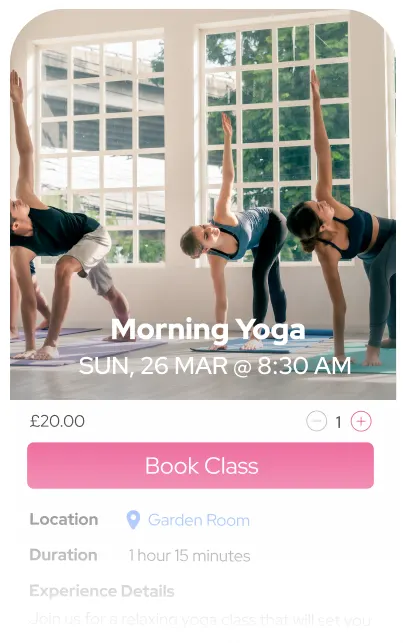
Taking payment for
bookings from Instagram
Your followers can pay by card, Apple Pay, or Google Pay at checkout. Prefer to collect payment yourself? Set custom instructions instead, like bank transfer or cash on the day. Returning customers can also pay with credits, so a regular doesn't need to enter their card details every time they book.